Accordion widget
The accordion organises short pieces of content into collapsible sections, helping users save space and easily navigate information. It's often used to display related information like FAQs or product details. It is not recommended to use this widget for larger pieces of content, due to potential usability and accessibility issues.
Features
- Resuable. Multiple widgets can be added to any homepage, in any order.
- Flexible width.
- Populated with manual content.
Control Center settings
| Field | Description | Required |
|---|---|---|
| Heading | Text field creatingh2 heading with class widget__heading | No |
| Summary | Text area | No |
| Items | Minimum of 1 | Yes |
| Item - Heading | Text field | Yes |
| Item - Content | WYSIWYG editor | Yes |
| Show expand/collapse button | Yes/No radio buttons | No |
| Expand first item | Yes/No radio buttons | No |
| Show for signed in users only | Yes/No radio buttons | No |
Front end user display
Desktop
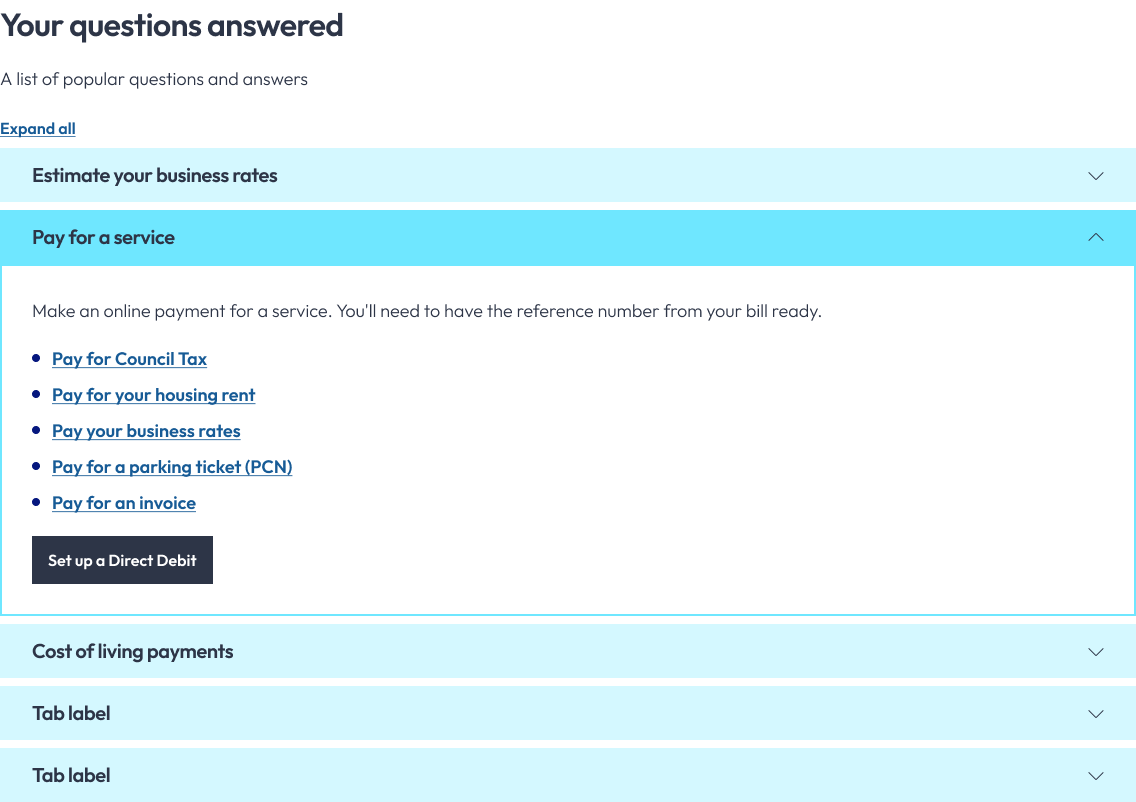
Responsive
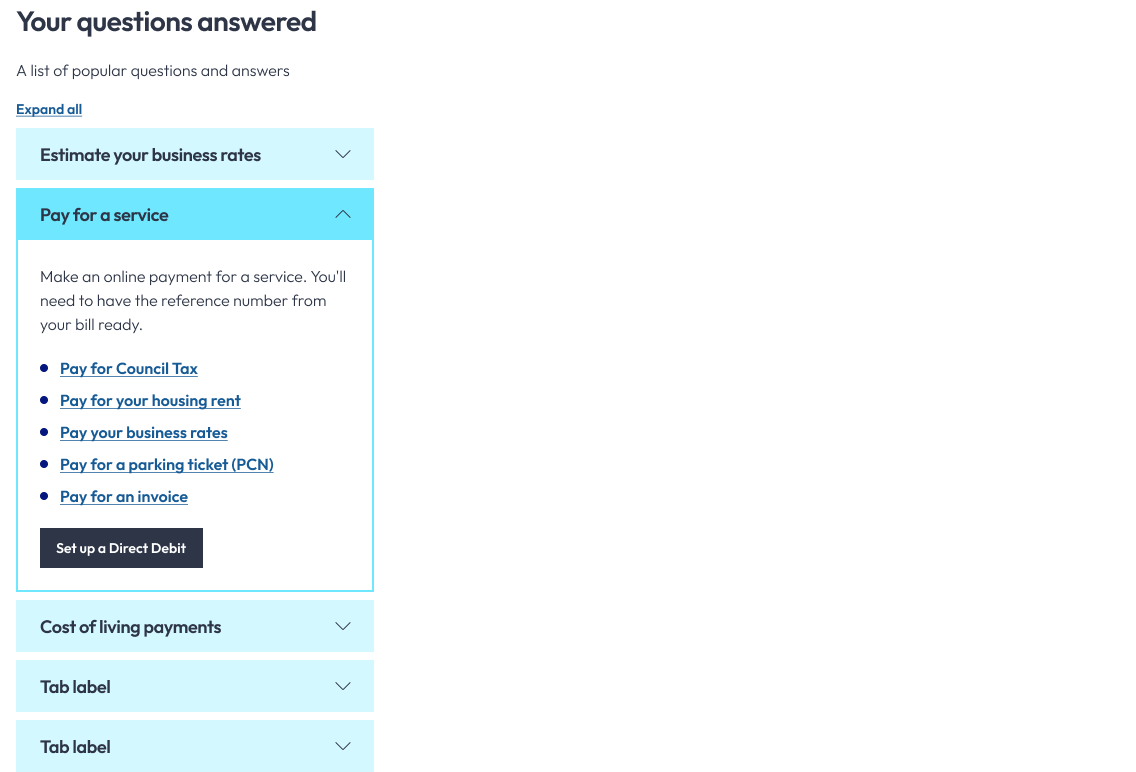
note
The style will vary depending on the Photon template used.