Homepage templates
Homepage templates allow a homepage layout to be stored for future use. They can be a whole page, or a partial page to be appended to an existing homepage.
Create a homepage template
- When editing the homepage, click the Actions button, and select Save as template. The Save as template panel will open.
- Complete the required details and use the Save button to save your changes.
Apply a homepage template
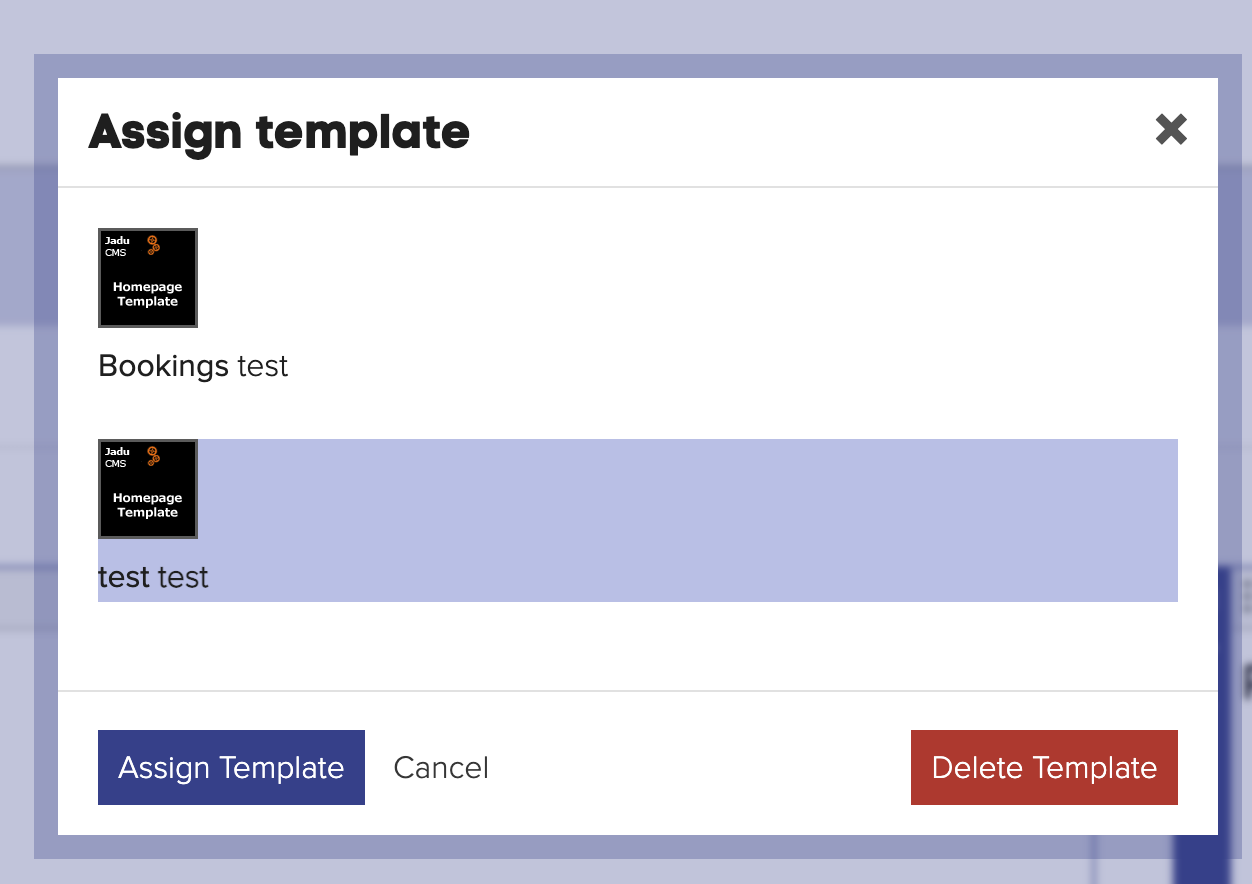
- When editing the homepage, go to the Actions button, and select Apply template. The Assign template panel will open.
- Select a template from the list provided, and use the Assign button to apply the change.
note
If you have widgets and rows already in your homepage, when you apply the template it will be appended after the final row.
Delete a homepage template
- Go to Actions and select Apply template. The Assign template panel will open.
- Select the template you wish to delete from the list provided.
- Scroll to the bottom of the list of templates and choose the Delete template button.