SSO for non-Staff Users
Non-staff users are external users who do not belong to the organisation’s internal workforce. They typically:
- Are members of the public, students, applicants, or partners
- Authenticate using a public or self-service account (for example, email and password)
- Access Connect to submit forms, track requests, or interact with services
- Have limited, role-specific access
Example: residents, applicants, parents, students, or suppliers.
Navigating to the SAML User Authentication configuration
- Click the Settings Icon in the left-hand navigation bar. The Settings menu will open
- Click the System link from the menu
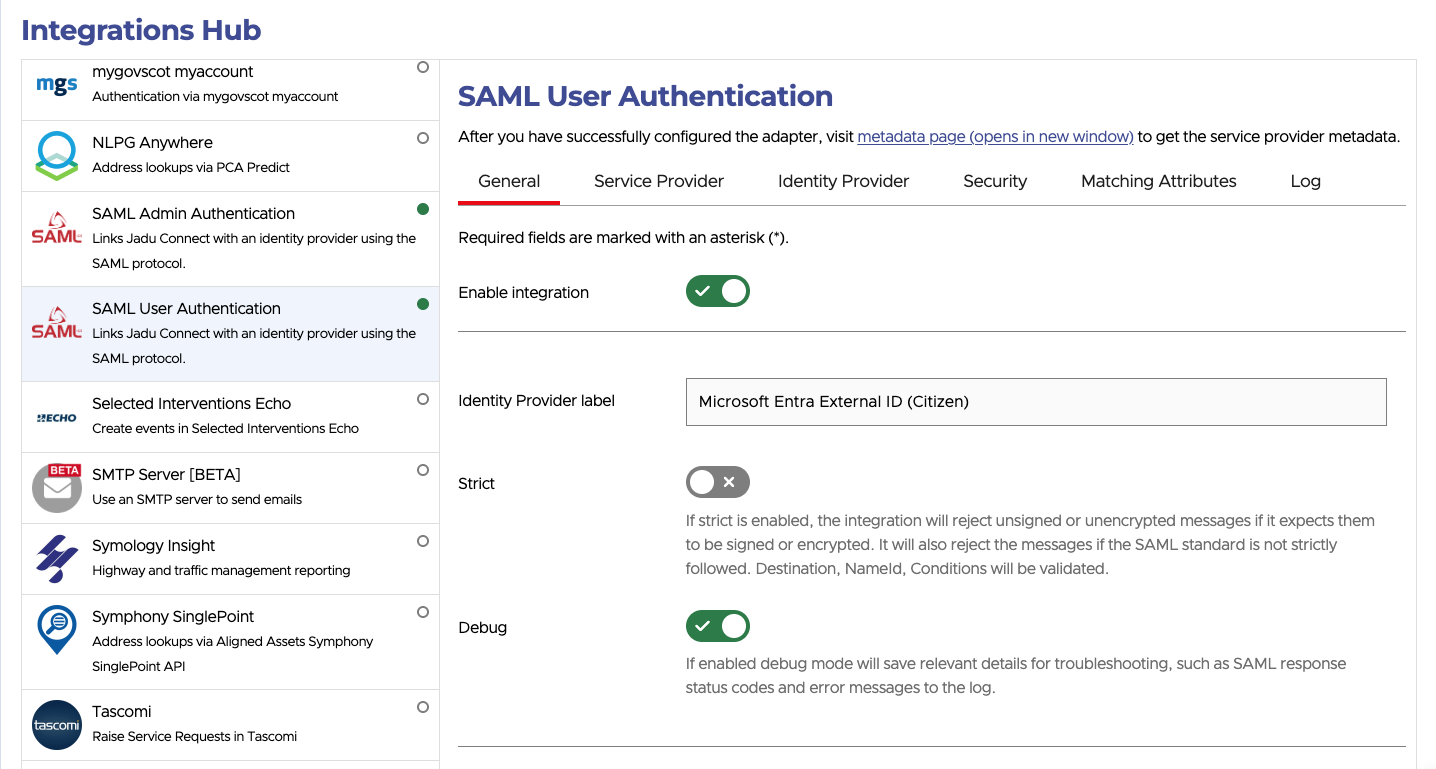
- Click the Integrations Hub tab heading. A list of integrations will now be shown.
- Click the SAML User Authentication option from the list of integrations. The SAML User Authentication integration settings will open.