SSO for Staff Users
Staff users are internal users who belong to the organisation operating Connect. They typically:
- Are employees or contractors of the organisation
- Authenticate using the organisation’s identity provider (for example, via SSO)
- Access Connect to manage, process, or administer cases and workflows
- Have elevated permissions compared to external users
Example: council officers, university staff, internal support teams.
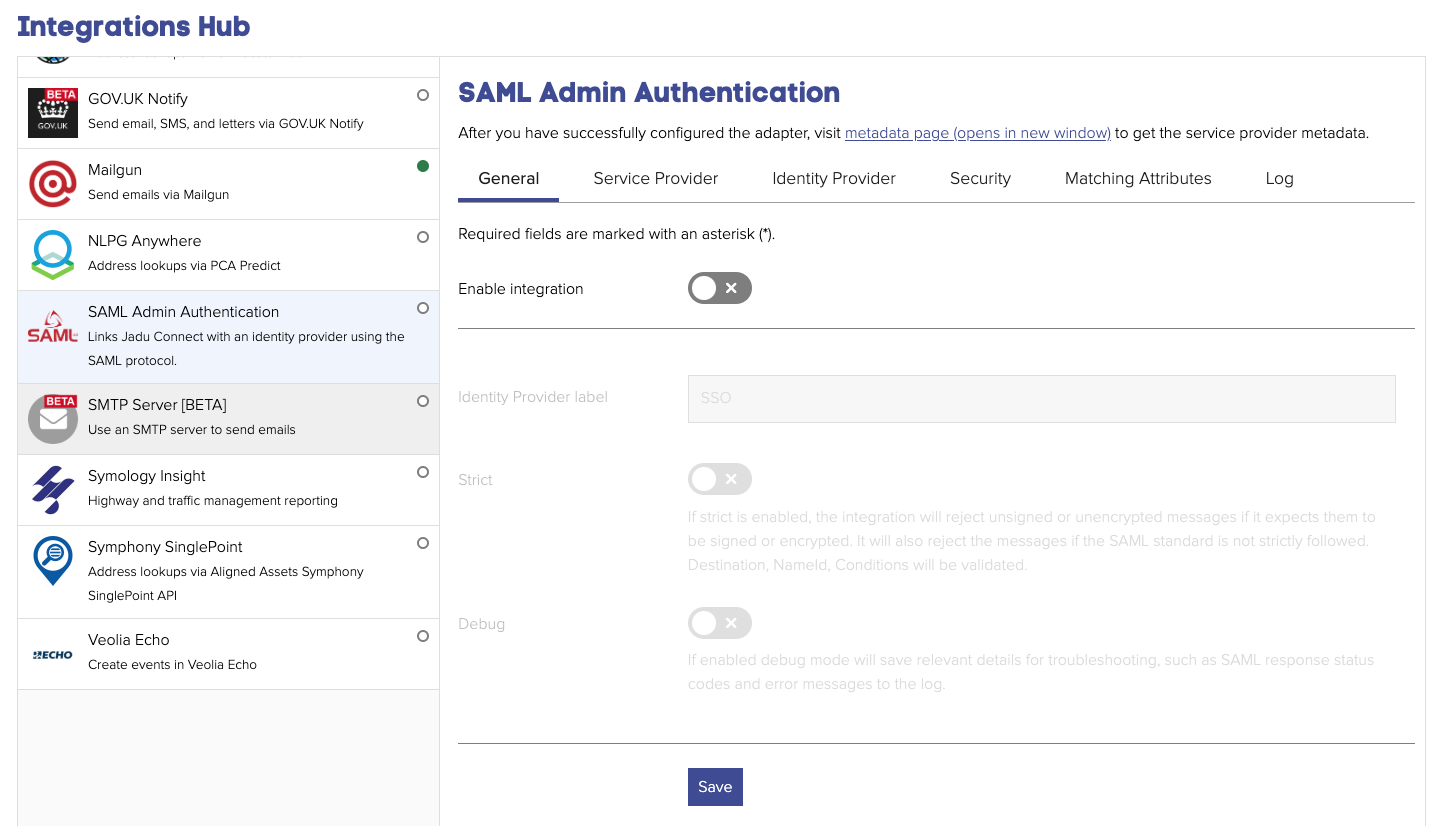
Navigating to the SAML Admin Authentication configuration
- Click the Settings Icon in the left-hand navigation bar. The Settings menu will open
- Click the System link from the menu
- Click the Integrations Hub tab heading. A list of integrations will now be shown.
- Click the SAML Admin Authentication option from the list of integrations. The SAML Admin Authentication integration settings will open.